
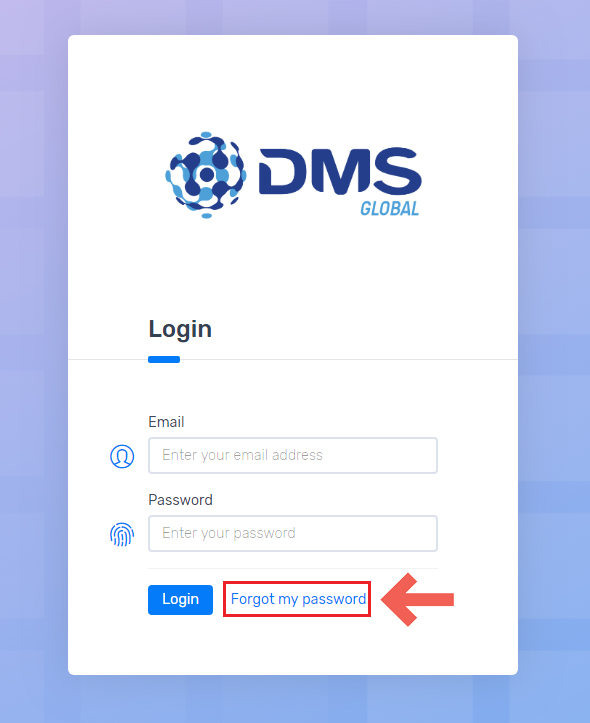
If you forgot your password, you can reset it by visiting the page of the event you’re submitting to. When asked to login, click on “Forgot my password”
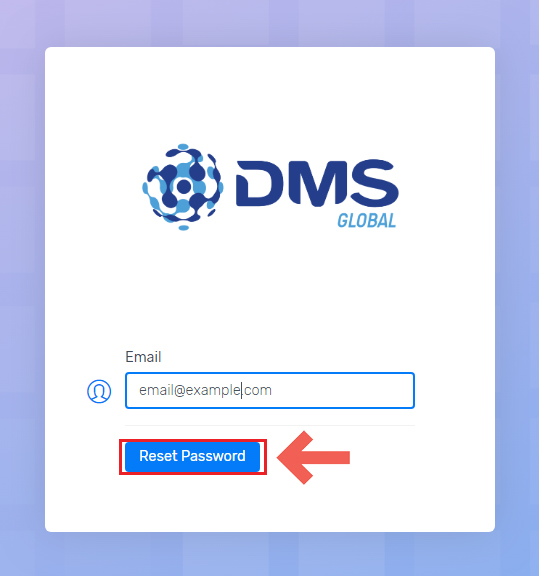
Then , fill in your email address and click reset.
You will receive a reset password email, if you have not received it in 5 minutes please check your Spam Filter folder
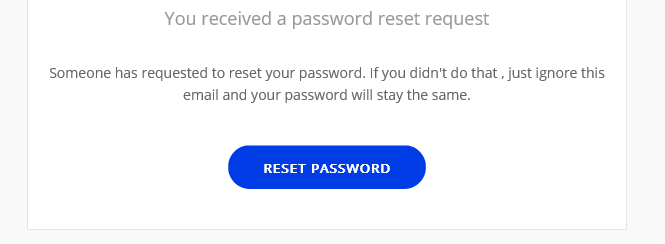
Click on “Reset Password” button and then you will be prompted with the following page:
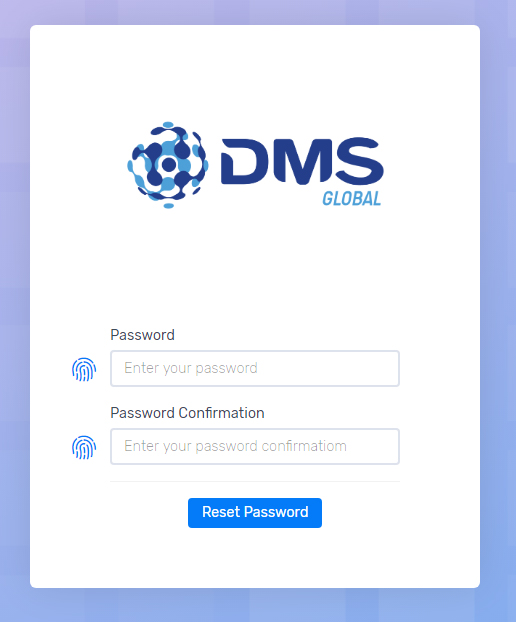
Enter a new password , then write it again in password confirmation field then click on reset password.
That’s it ! Now you can use your new password to login.